
Loading…
Loading…
How ERPNext turns a service promise into a tracked contract — response and resolution targets per priority, support hours, pause rules, and a Fulfilled-or-Failed status on every ticket.
Every support team makes promises — "we'll get back to you today," "we'll have it fixed by tomorrow." The trouble is that a promise nobody measures is a promise nobody keeps. This paper explains how ERPNext turns those promises into a tracked Service Level Agreement: response and resolution targets set per priority, the support hours and holidays that decide when the clock runs, the statuses that pause it while you wait on the customer, and the moment it marks a ticket Fulfilled or Failed. It is grounded in the actual ERPNext doctypes — Service Level Agreement, Service Level Priority, Service Day, and the SLA fields that live on every Issue — so you can see exactly what the software tracks for you, where escalation and reporting fit, and where an experienced partner makes the difference between an SLA that looks good on paper and one your customers actually feel.
The complete paper — every section, in a clean branded PDF you can share with your team. Free, no email required.
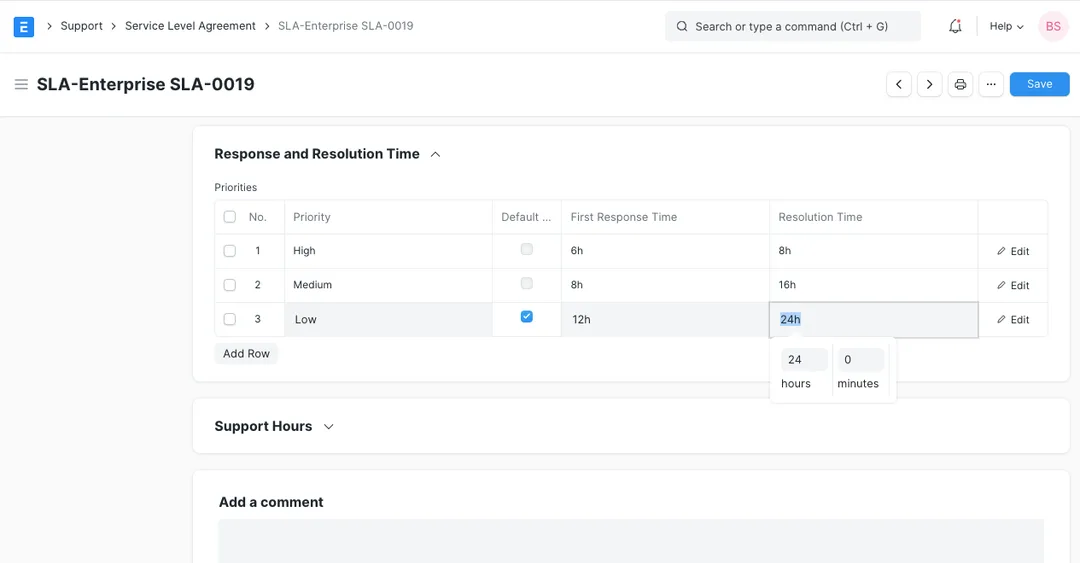
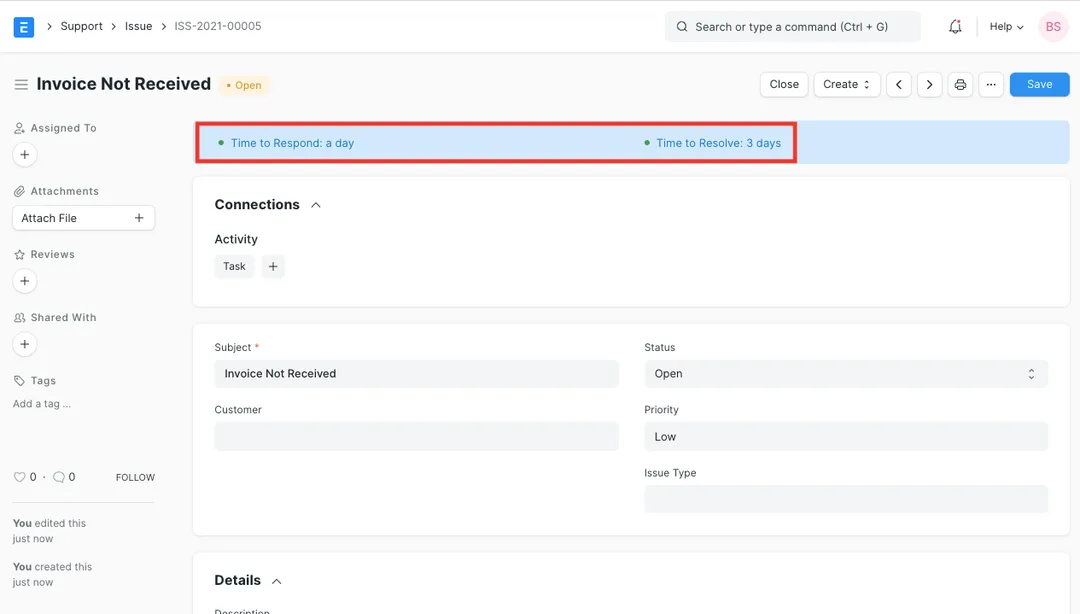
Yes. ERPNext's Support module includes a Service Level Agreement doctype where you set a First Response Time and a Resolution Time for each priority, define support working hours and holidays, and choose statuses that pause or fulfil the SLA. Once you switch on 'Track Service Level Agreement' in Support Settings, every governed Issue carries live Response By and Resolution By deadlines and an SLA status of First Response Due, Resolution Due, Fulfilled or Failed.
Yes. An SLA can be the organisation-wide default, or scoped to a specific Customer, Customer Group or Territory, so a premium-support client can carry tighter response and resolution targets than your standard tier — all in the same ERPNext instance. An optional condition can narrow when an agreement applies further, for example by issue type.
Each SLA has a Working Hours table (a row per weekday with start and end times) and a linked Holiday List. The SLA clock only runs during your staffed hours, and days on the Holiday List don't count against your targets — so you can reflect your team's real working week plus India's national and state holidays, rather than being measured against raw round-the-clock time.
You nominate pause statuses in the agreement's 'SLA Paused On' table — commonly On Hold or Replied. While a ticket sits in one of those statuses, the timer stops; ERPNext records when it went on hold and accumulates a Total Hold Time, then reports a User Resolution Time that strips the waiting out. That way the SLA measures your responsiveness, not time the ball was in the customer's court.
Get a clear plan, an honest timeline, and a fixed scope. Talk to a real expert today — whether or not you work with us.
or write to info@acube.co
Kochi (Kadavanthra & Infopark) · Thiruvananthapuram · across India & overseas · In business since 2011